Connect your store
Browse your listings. Pick an example below.
 Sign in
SELLQIK CREATE
Edit product photos, make infographics and create short videos.
Upload an image or connect eBay to improve and publish supported listings.
Try with 10 free Qiks. Register for 10 free Qiks every day.
No credit card or store connection required.Explore Qik packages →Upload a product image, choose a presentation and create a new listing photo right here.
 BeforeAfter
Choose an image or drop it here
JPG, PNG or WebP · up to 10 MBSee the Qik cost before you generate. You are charged only for a successful result.
BUILT AROUND YOUR EBAY STORE
Connect your store, improve the photos of a listing and publish them back — all in Creator.
Browse your listings. Pick an example below.
Start with the actual photo from your listing.
Review the result and publish when you are ready.

Your listing. Your photos. You decide what goes live.
Start for freeRegister. Get 10 free Qiks every day.
No credit card. No store connection required to try.
Real SellQik examples. Review each result before publishing. Direct publishing supports active fixed-price listings without variations.
HOW IT WORKS
Start with a simple photo from your phone.
Explore a studio setup, a lifestyle shot or a new setting.
Create a product infographic with your image, key features and text.
From an everyday snapshot to a complete product visual.
Start for freeNo credit card. No store connection required to try.
AI TRY-ON
Upload photos of clothing or accessories — get studio-quality photos in a few clicks.
Style these pieces together for a fashion shoot in a sunlit setting.
AI VIDEO
Turn a product image and a simple idea into a clip.
EXAMPLES
Show us your product — get a clean, professional photo.
Product photos, infographics, AI try-on and video tools are available in SellQik Create. These AI-generated examples and motion previews illustrate visual direction; actual results vary.
THE POSSIBILITIES
Bring the focus back to the product with a cleaner background and considered lighting.
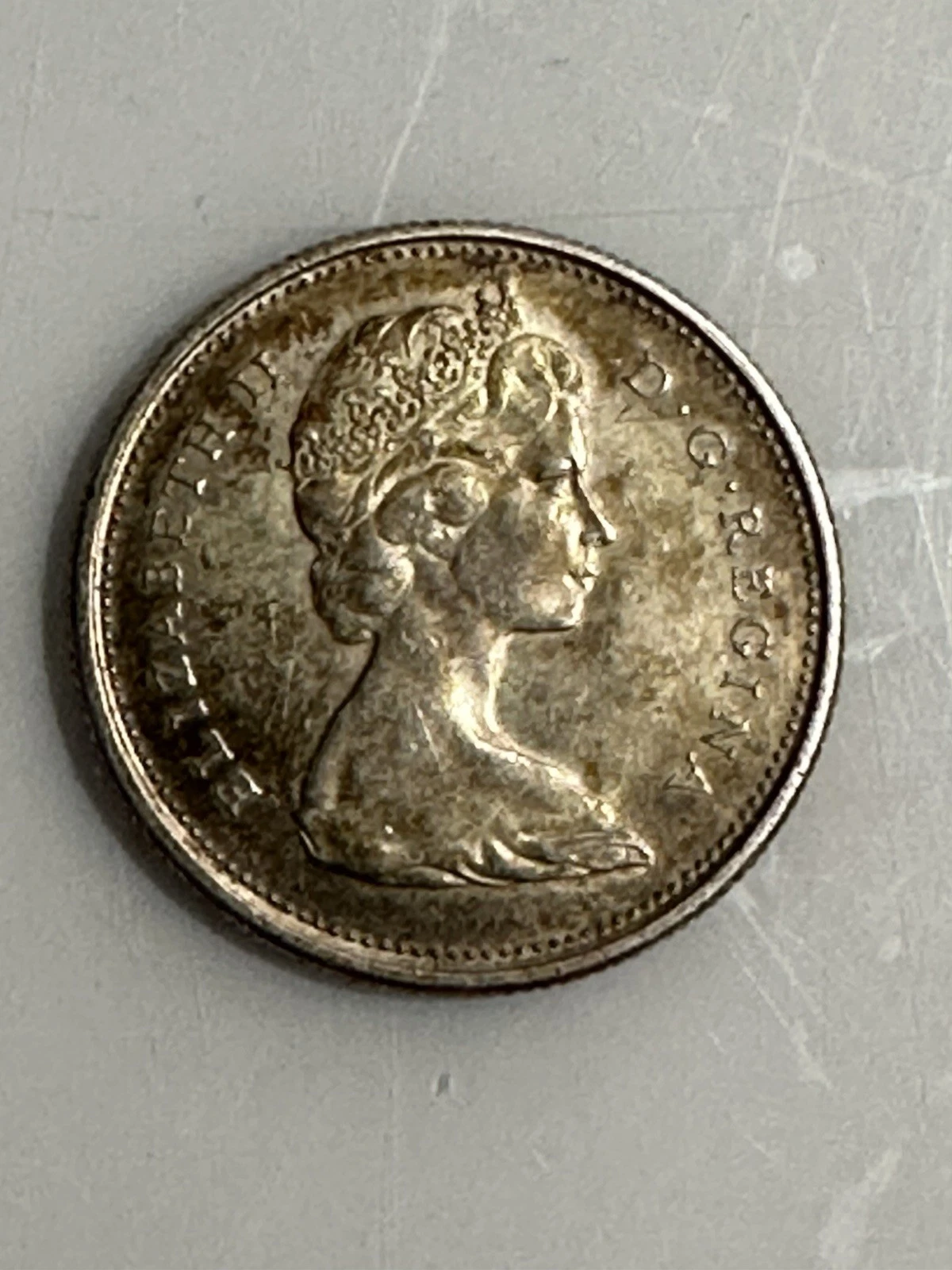
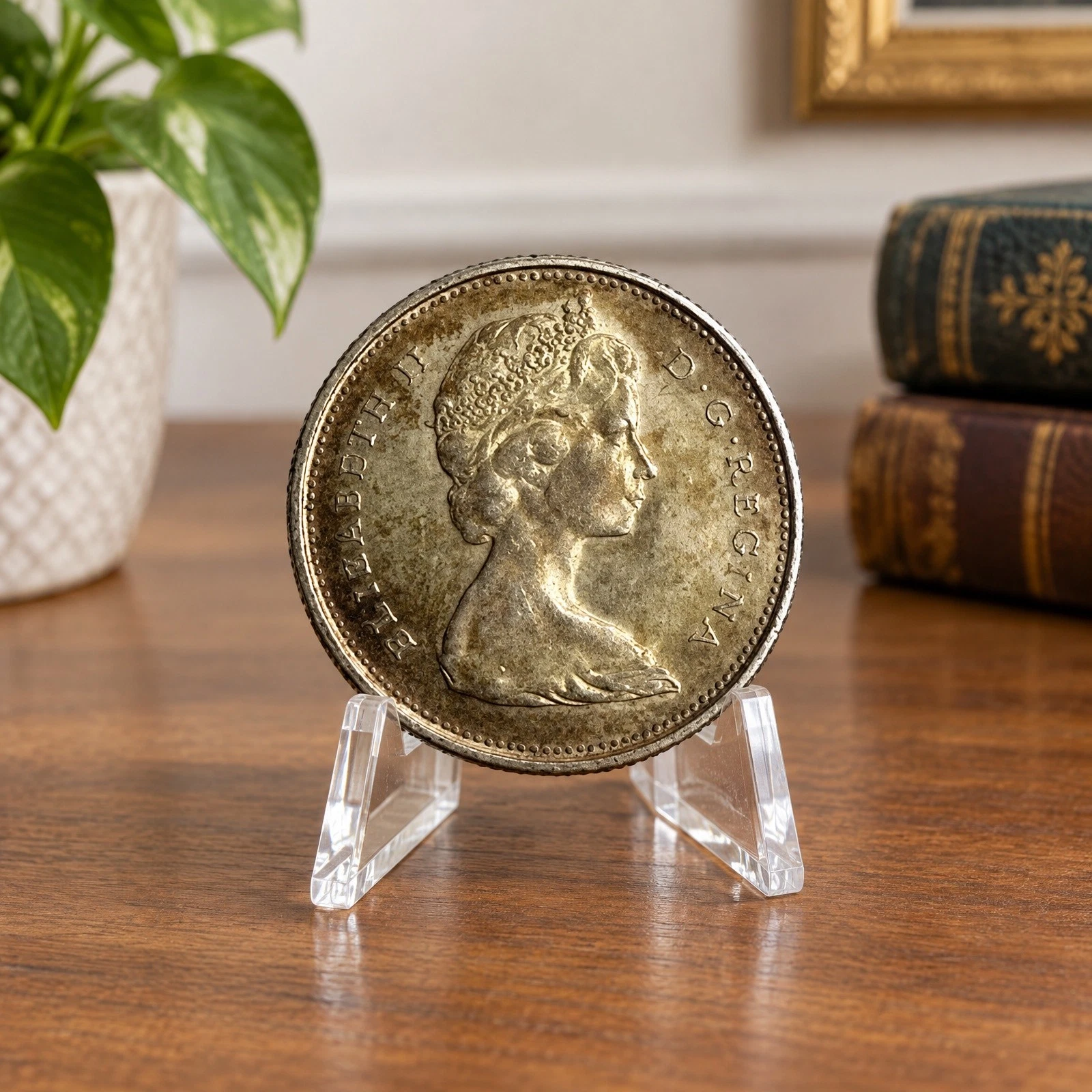
Illustrative AI-generated example. Actual results vary; always review product details.
Start for freeLESS SETUP. MORE CREATING.
Start with the photo you have and create a new presentation in one workspace.
Organize a shoot
Start with your listing
Use the same login and connected eBay store. Upload and edit your own photos whenever you want, with or without a store connection.
Open your studio →FAQ
No. Try Creator for free with your own product photo — no credit card or store connection required. Connect your store later through official eBay authorization.
Try the photo studio with 10 Qiks without registering. Register to receive 10 free Qiks every day, starting immediately. Daily Qiks reset at 00:00 UTC, do not accumulate and are used first. The allowance is per user, regardless of the number of stores; reconnecting a store does not reset it. Purchased Qiks are kept separately.
Yes. The same email and password work in both Create and the main SellQik cabinet. Your connected store is shared.
Yes. Connect your store, choose a listing and edit its photos in Creator. Review the results, choose your main photo and publish back to the same listing. Direct publishing supports active fixed-price listings without variations.
Yes. Connecting a store keeps the upload and photo editor available.
Generation is instructed to preserve the item’s details and condition while changing its setting. Review every result for accuracy before using it.
No. Review your results and choose which photos to use. Click Publish to update a supported eBay listing when you are ready.
YOUR NEXT PRODUCT PHOTO
No credit card. No store connection required to try.